Show area for agent
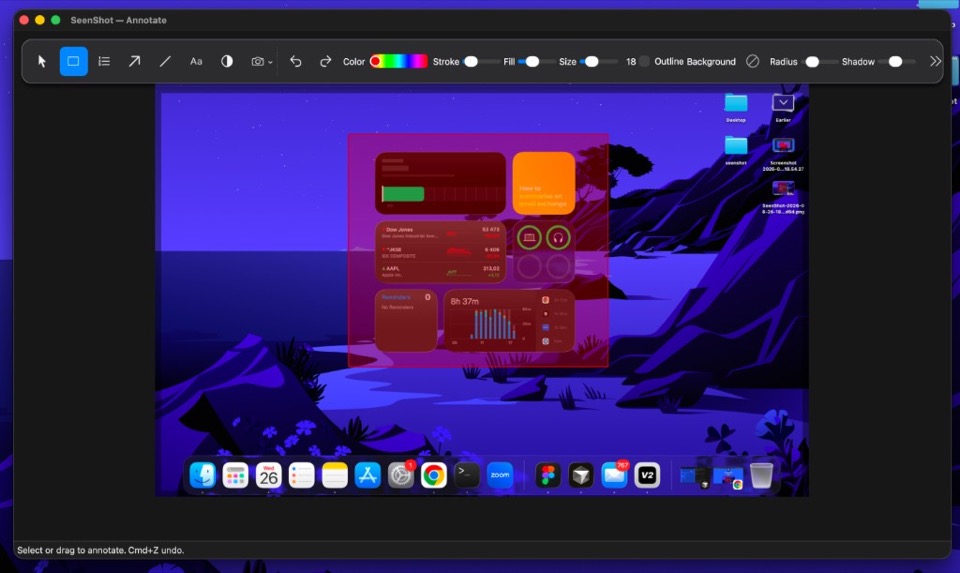
After download, press cmd+shift+2 and highlight what the agent should fix.
 SeenShot.appFast, Secure annotation App for Ai Agents
Download SeenShot for macOS. Apple Silicon and Intel. No App Store.
macOS 14 or later
After download, press cmd+shift+2 and highlight what the agent should fix.
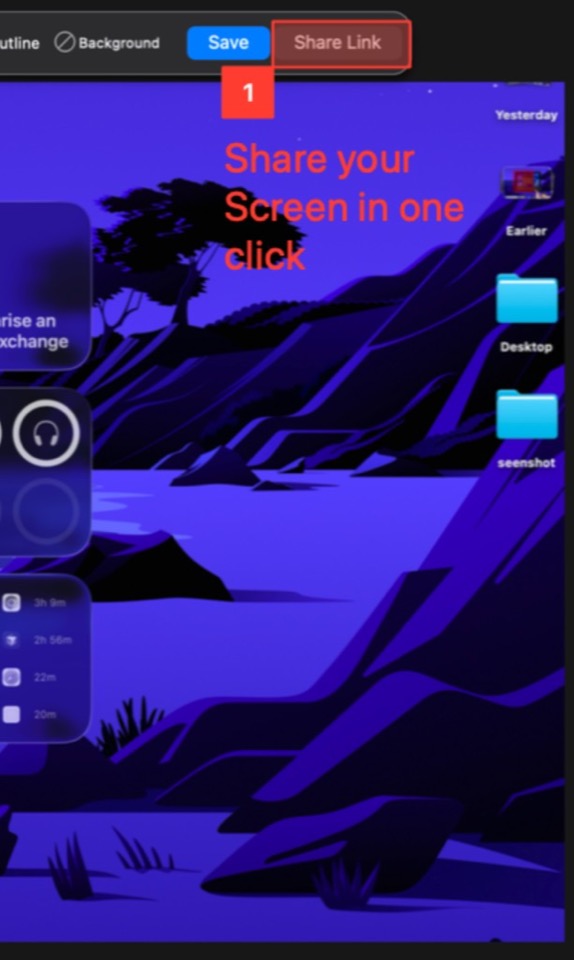
Insert the screenshot into Claude, ChatGPT, Cursor, and Codex after you install.
$29 / year
$87
Everything in Member. Pay once.
Download SeenShot from this page. The button starts the latest macOS DMG for Apple Silicon. Intel Macs get the x86 build after the page detects the chip.
Yes. Download the app and install it on your computer. You do not need the App Store. There are no extra limits.
Apple Silicon (arm64) is the default. Intel (x86) is supported. The download link follows the chip on your Mac.
The app is under 40 MB, installs quickly, and does not use extra resources on your computer.