Show area for agent
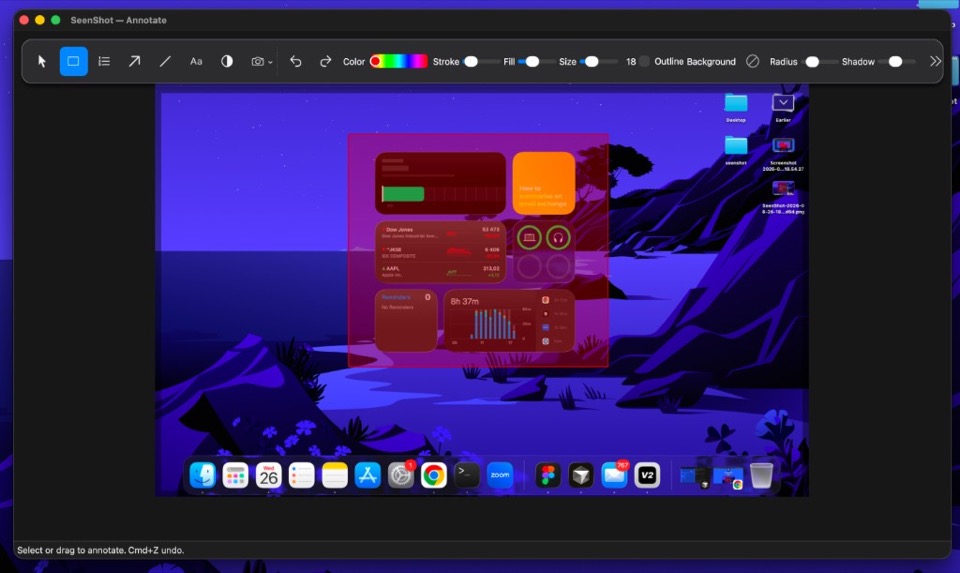
Highlight the region the agent should fix. That is the screenshot.
 SeenShot.appFast, Secure annotation App for Ai Agents
Press cmd+shift+2, select a region, annotate, and insert the shot in to your agent.
macOS 14 or later
Highlight the region the agent should fix. That is the screenshot.
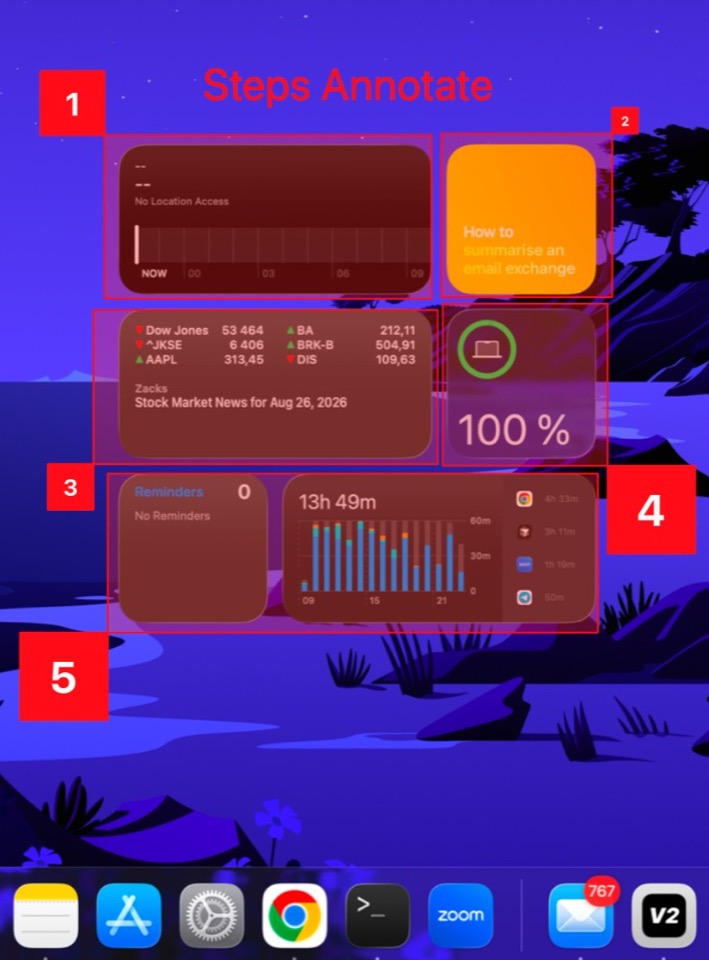
Number the order so the agent knows what to do next.
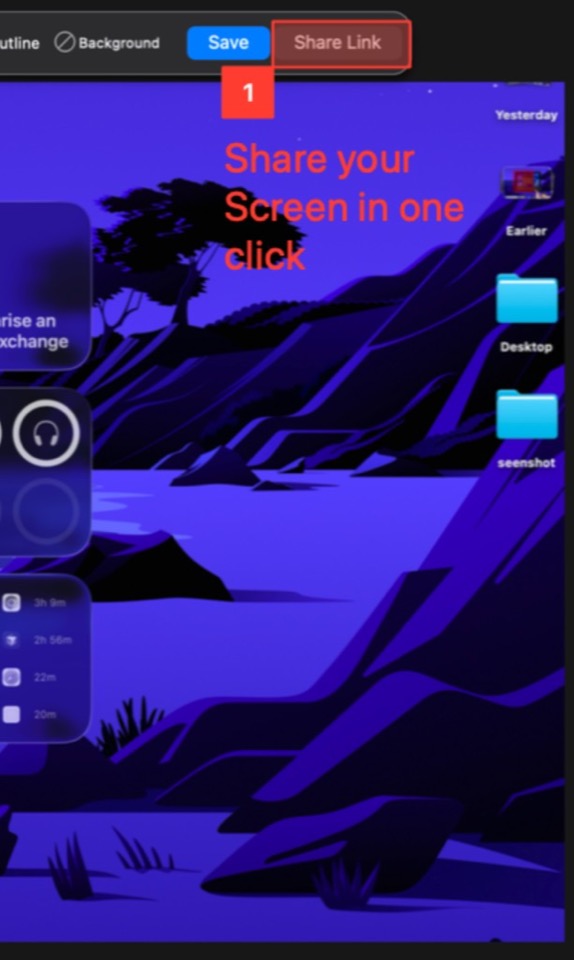
Insert the screenshot into your agent in one click.
$29 / year
$87
Everything in Member. Pay once.
Install SeenShot, press cmd+shift+2, drag the region you want, and save. That is the capture.
The built-in Mac shortcut captures a file. SeenShot lets you annotate, auto-blur secrets, and insert the shot into an agent in one flow.
Download SeenShot for macOS, install it, press cmd+shift+2, and save the region you want to capture.
After you capture, one click inserts the screenshot into Claude, ChatGPT, Cursor, Codex, and other agents.