Auto Blur Sensitive data
Blur faces, phones, emails, passwords, and API keys on your Mac. Offline. No cloud API.
 SeenShot.appFast, Secure annotation App for Ai Agents
Native screenshot app for Apple Silicon and Intel Macs. Hit cmd+shift+2, annotate, insert in to your agent.
macOS 14 or later
Blur faces, phones, emails, passwords, and API keys on your Mac. Offline. No cloud API.
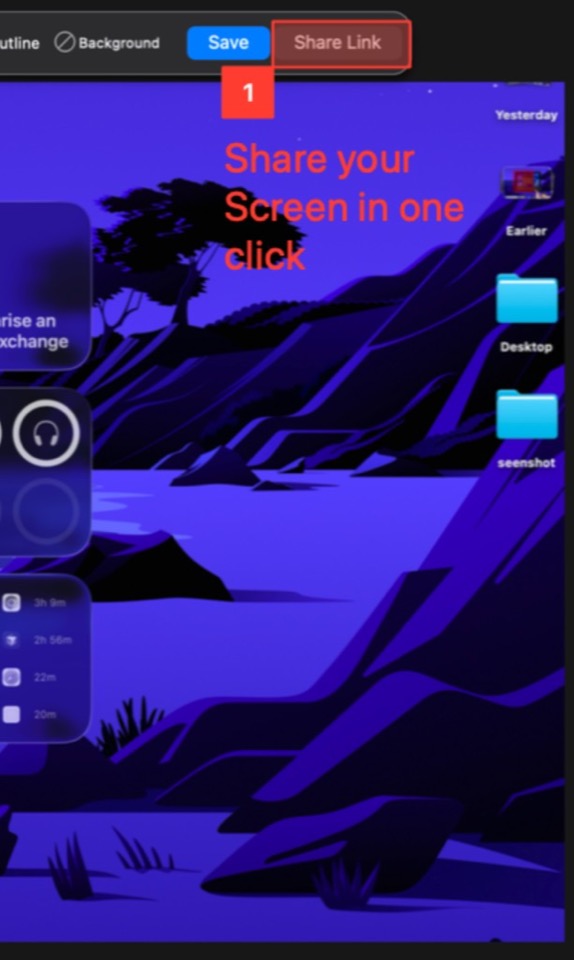
Insert the screenshot into Claude, ChatGPT, Cursor, Codex, and more from the Mac menu.
| Feature | SeenShot | CleanShot | Shottr | BlurData |
|---|---|---|---|---|
| Description | Fast, Free, Secure Screenshots in Agentic Era | Screenshot utility | Screenshot utility | Desktop redaction |
| Price | Free, $29/year, Lifetime $87 | Basic $35 once, Pro $10/user/mo billed annually | Free (license on shottr.cc) | Personal $79/year or $149 once |
| Capture | ||||
| Full screen, window, and region capture | Yes | Yes | Yes | No |
| All-in-one capture mode behind one shortcut | Yes | — | — | — |
| Auto Blur | ||||
| Auto-blur sensitive data | Yes | No | — | Yes |
| AI Agents | ||||
| One-click export to agents | Yes | — | — | — |
| Supported agents | — | — | — | |
| Offline | ||||
| All features work without internet and without external APIs | Yes | Yes | — | Yes |
| Platform | ||||
| MacOS Arm | Yes | Yes | Yes | Yes |
| MacOS x86 | Yes | Yes | Yes | Yes |
| Windows – in development | Yes | — | — | — |
$29 / year
$87
Everything in Member. Pay once.
Yes. SeenShot is a Mac screenshot app for Apple Silicon (arm64) and Intel (x86). Windows is in development.
Install the app, press cmd+shift+2, and save the region you want to capture.
No. Download the Mac screenshot app and install it on your computer. You do not need the App Store.
No. Blur and recognition run on your Mac. You can turn the internet off and it still works. Internet is only needed when you upload a screenshot to share a link.